Fornitore: SlimQ Official Store
1TB/2TB Drive for Mac Mini M4
Descrizione
Note: This product is not eligible for any discount promotions.
Expand Your Mac Mini M4 Storage — Without Soldering
The SlimQ SSD upgrade gives your Mac Mini M4 up to 2TB of high-performance internal storage at a fraction of Apple's pricing. Designed for DIY installation, no special skills or soldering are required — just follow our step-by-step video guide and PDF manual.
Blazing-Fast Read & Write Speeds
Engineered with brand-new NAND chips, the SlimQ M4 SSD delivers up to 2950 MB/s read and 4200 MB/s write speeds (peak 4800 MB/s write). Whether you're working with large video files, virtual machines, or demanding creative projects, you'll notice the difference immediately.
Brand-New Chips — Same Lifespan as Apple OEM
Every unit uses brand-new flash memory chips — not refurbished or reclaimed — giving you the same endurance and reliability you'd expect from Apple's original components. Backed by a 1-year warranty and responsive customer support.
Complete Installation Support Included
Don't get stuck mid-upgrade. Every purchase includes access to a detailed PDF installation manual, a macOS flashing guide, and two step-by-step YouTube video tutorials covering full disassembly, SSD installation, and macOS reinstallation.
Significant Savings vs. Apple Upgrade Pricing
Apple charges approximately $800 for a 2TB configuration. The SlimQ 2TB SSD delivers comparable performance at a significantly lower cost — making it the smart choice for power users, developers, and creative professionals.
Product Specifications
- Compatible Model: Mac Mini M4 (2024) only — not compatible with Mac Mini M4 Pro
- Available Capacities: 1TB (SKU: S01M4), 2TB (SKU: S00M4)
- Read Speed: up to 2950 MB/s
- Write Speed: up to 4200 MB/s (peak 4800 MB/s)
- Interface: Apple-proprietary M.2-style connector
- Form Factor: Custom Apple SSD module
- Net Weight: 100 g
- Warranty: 1 year
Style Options
- 1TB — S01M4: Ideal for everyday use, light development, and general productivity. Priced at $266.99.
- 2TB — S00M4: Best for video editing, large datasets, and power users who need maximum capacity. Priced at $409.99.
SSD Performance Comparison
| Category | Apple OEM 2TB | SlimQ M4-SSD 2TB |
|---|---|---|
| Read Speed | 3100 MB/s | 2950 MB/s |
| Write Speed | 3050 MB/s | up to 4200 MB/s |
| Warranty | 1-year limited | 1-year limited |
| Installation Support | None included | PDF manual + video tutorials included |
| Price | ~$800 | From $266.99 |
Installation Resources
Step-by-step disassembly and SSD installation video:
Mac Mini M4 macOS flashing tutorial:
Download Installation Manual (S00M4 / S01M4)
Download macOS Flashing Guide (S00M4)
Download macOS 15.2 Restore Image
Speed Test Results
Frequently Asked Questions
Q: Why does the flashing process stop midway?
The most likely cause is the SSD not being properly seated. Ensure it is fully inserted and securely connected, then restart the flashing process. If the issue persists, contact our customer support team.
Q: Is this SSD compatible with the Mac Mini M4 Pro?
No — this module is designed exclusively for the Mac Mini M4 (2024). It is not compatible with the Mac Mini M4 Pro.
Q: Can I reinstall macOS without a second Mac?
Yes. You can complete the reinstallation using a Windows PC with iTunes installed — a second Mac is not required.
Q: What should I do if I encounter Error 2006 during restore?
Error 2006 is typically caused by a loose SSD connection. Remove the drive, clean the connector, reseat it firmly, and restart the flashing process.
Q: Where can I download the macOS restore file for Mac Mini M4?
You can download macOS 15.2 directly from Apple using the link provided in the Installation Resources section above.
Potrebbe piacerti anche
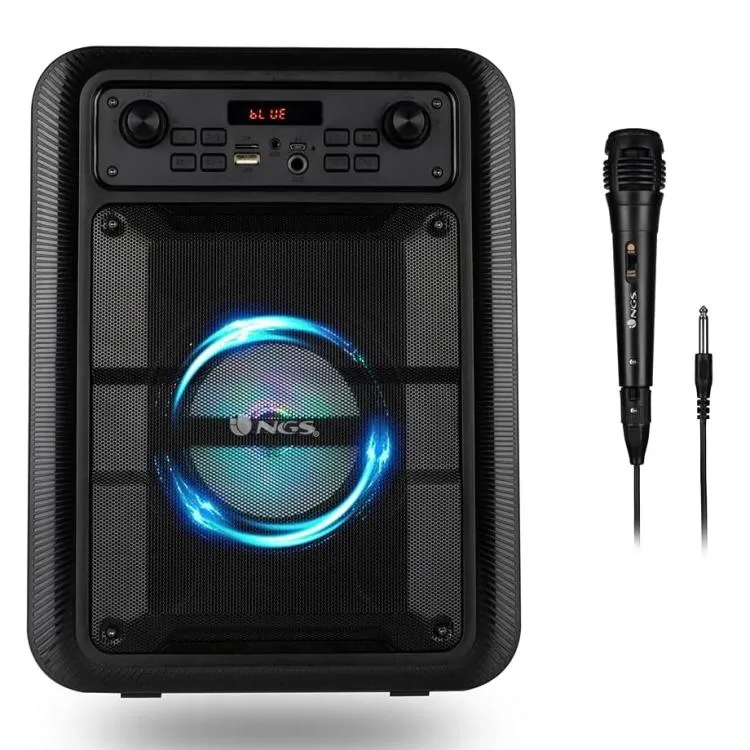 In offertaNgs Speaker Rollerlingo Portatile Bluetooth Tws + Microfono 20W NeroNGS
59,90 €32,16 €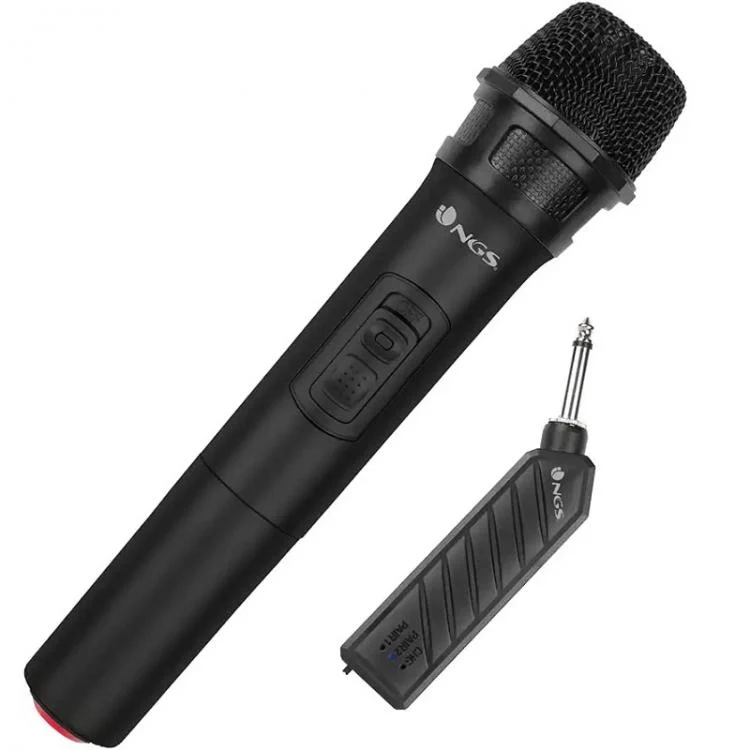 In offertaNgs Microfono Wireless Sing Senza Fili Karaoke Feste Conferenze Raggio 20M NeroNGS
24,91 €14,44 €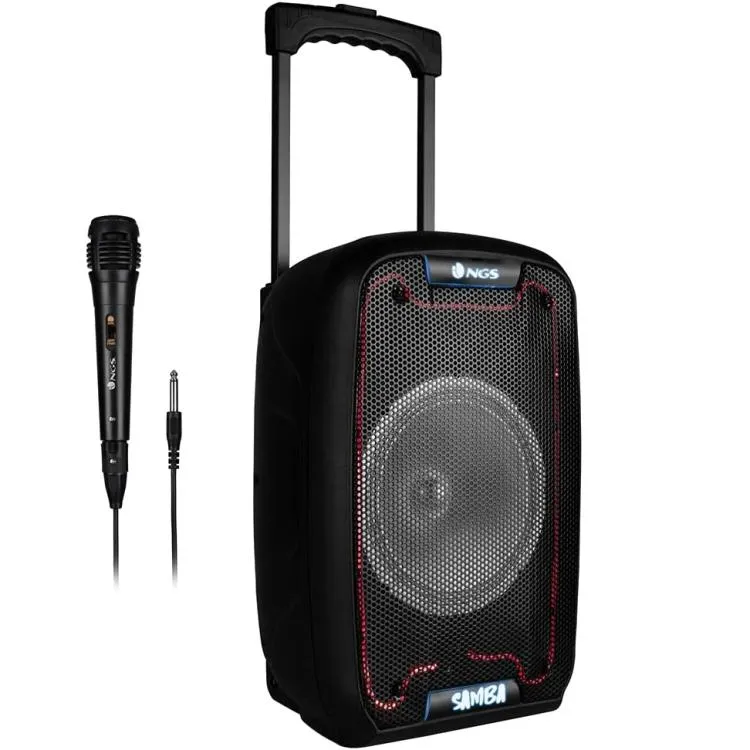 In offertaNgs Speaker Wild Samba Portatile Bt + Mic Ricaricabile 30W Cassa BluetoothNGS
69,91 €36,54 €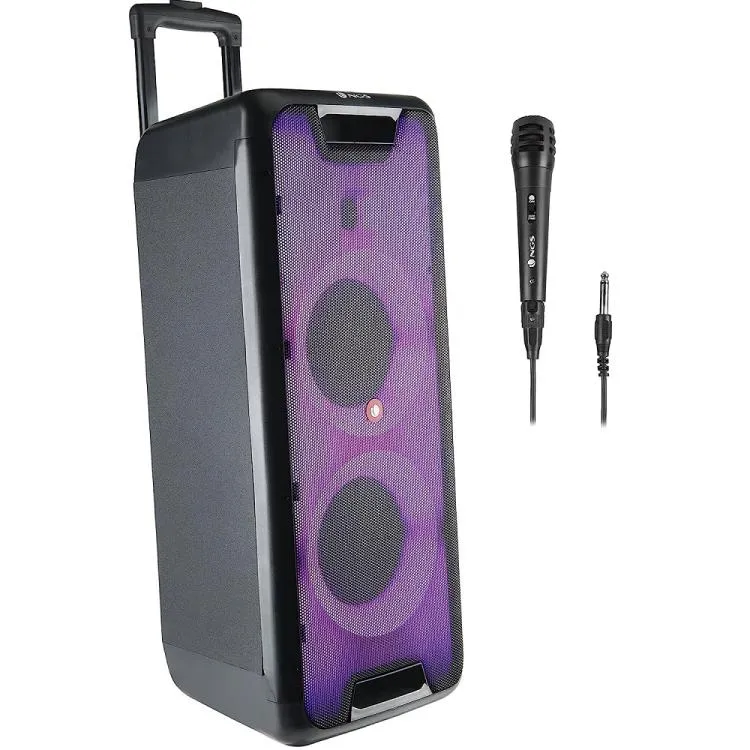 In offertaNgs Speaker Wild Rave2 Portatile Bt Tws +Mic Ricaricabile 300W Cassa BluetoothNGS
180,90 €90,87 €